 HomeWell
Every home has a history.
Keep yours.
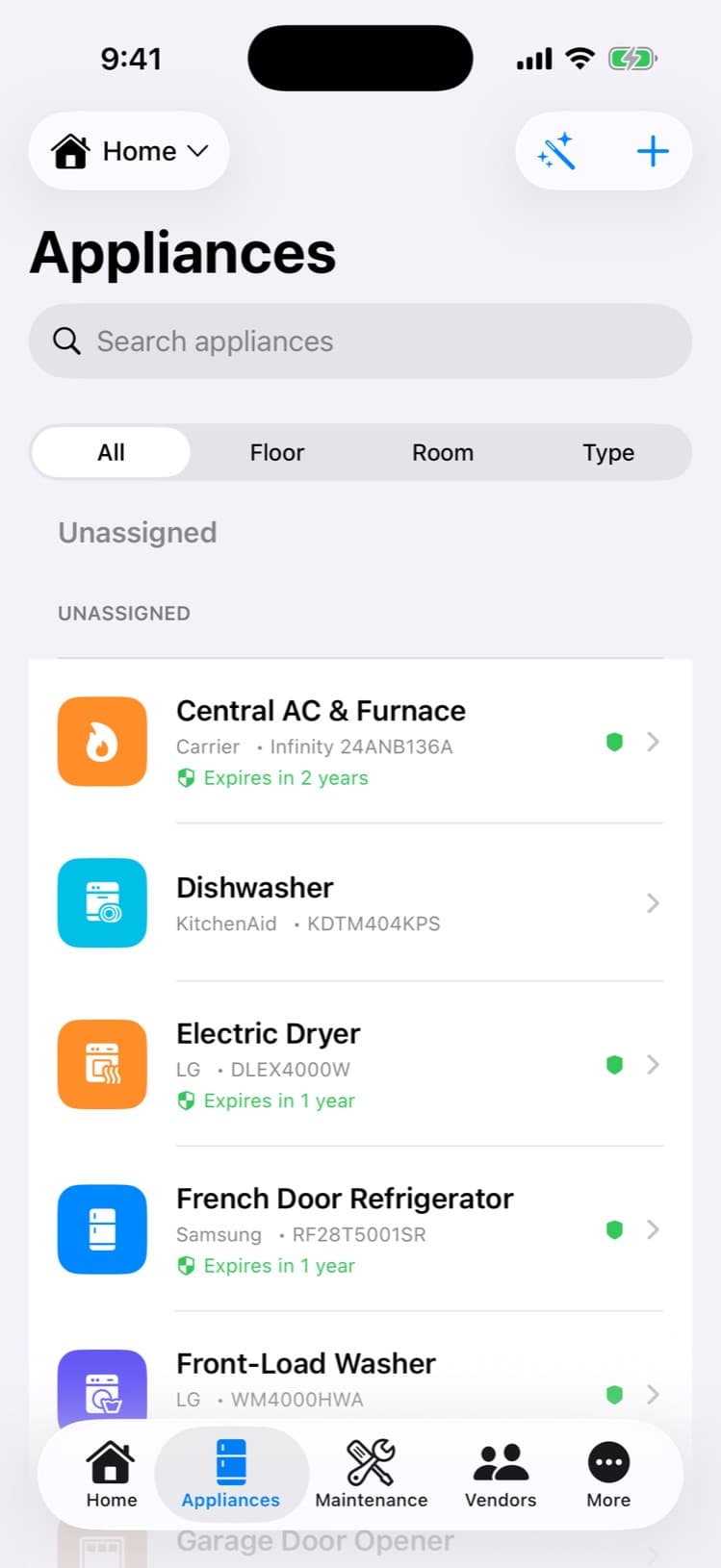
Snap a photo of an appliance’s nameplate and the record fills itself in — model, serial, warranty, manual. Then HomeWell keeps the whole house on schedule: one calm place for maintenance, manuals, vendors, documents, and costs.
Free for your first home · Available for iPhone and Android
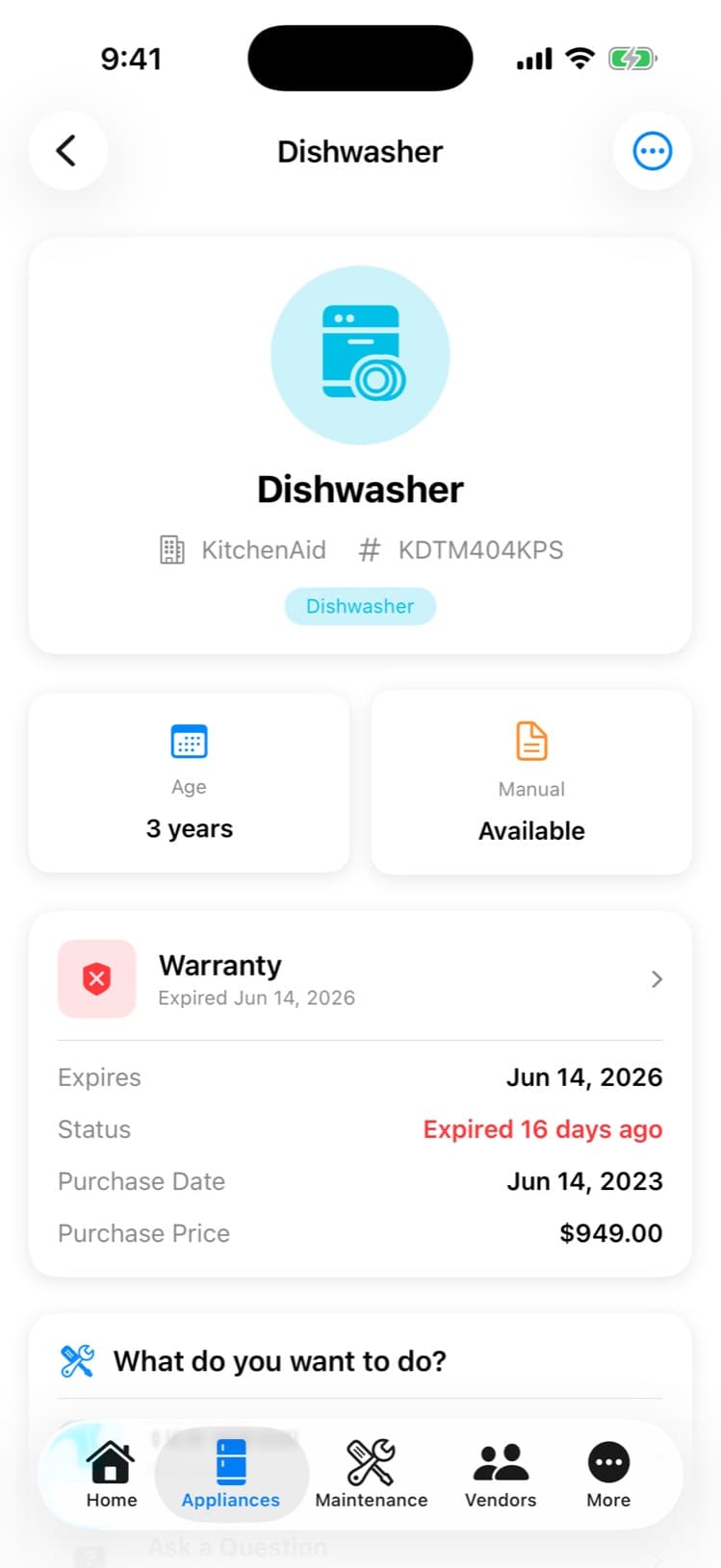
“What’s the model number?”
The dishwasher floods. The tech asks for the model number. And you’re on your knees digging through a junk drawer of curled-up manuals and faded receipts.
The details that tame your home’s upkeep are scattered across a drawer, a shoebox, and three email accounts. There’s a calmer way.
What it does
Every screen below is the real app.
Unretouched captures from the shipping iPhone app. HomeWell is also available on Android.
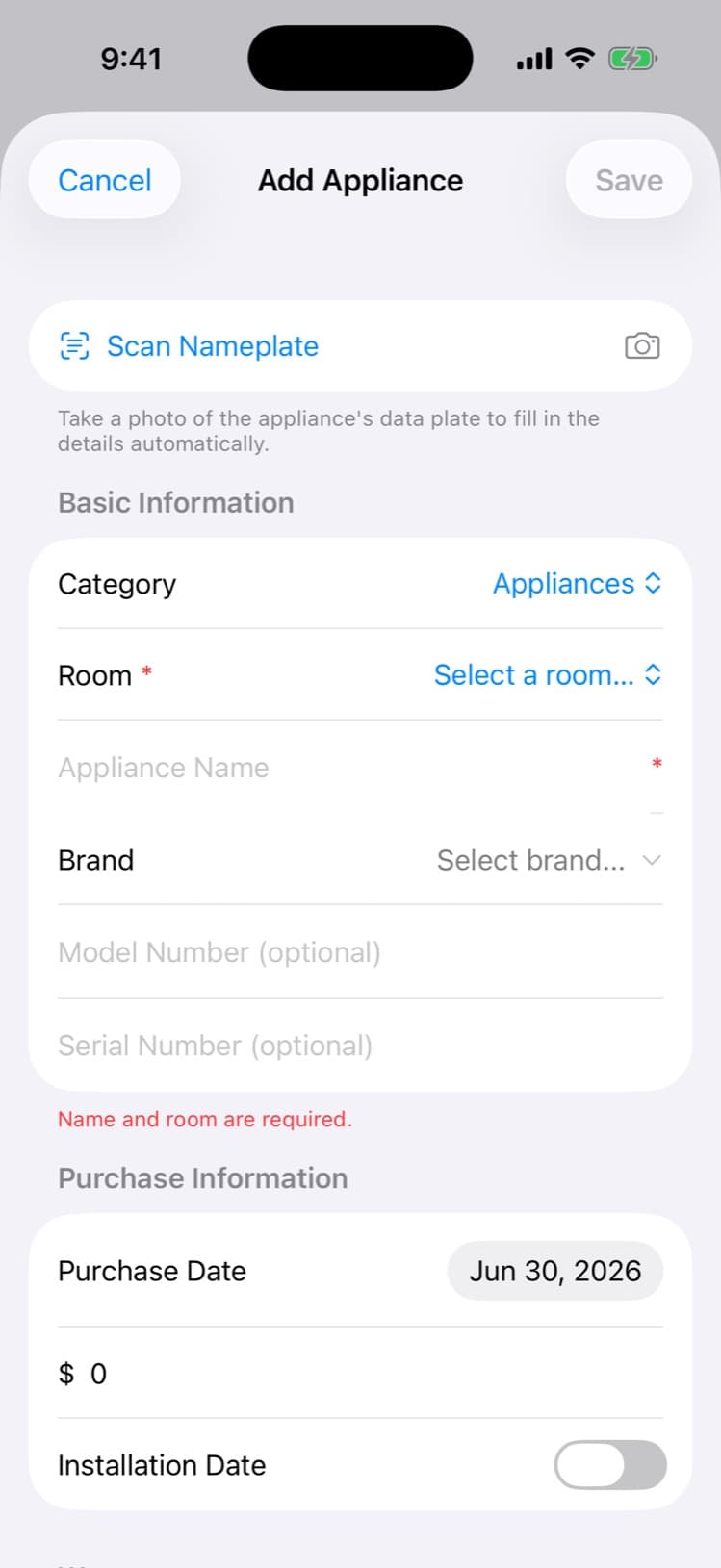
Snap it. It fills itself in.
Point the camera at the nameplate. HomeWell reads the manufacturer, model, and serial, finds the manual, and builds the record — you just review and confirm. It asks; it never invents.
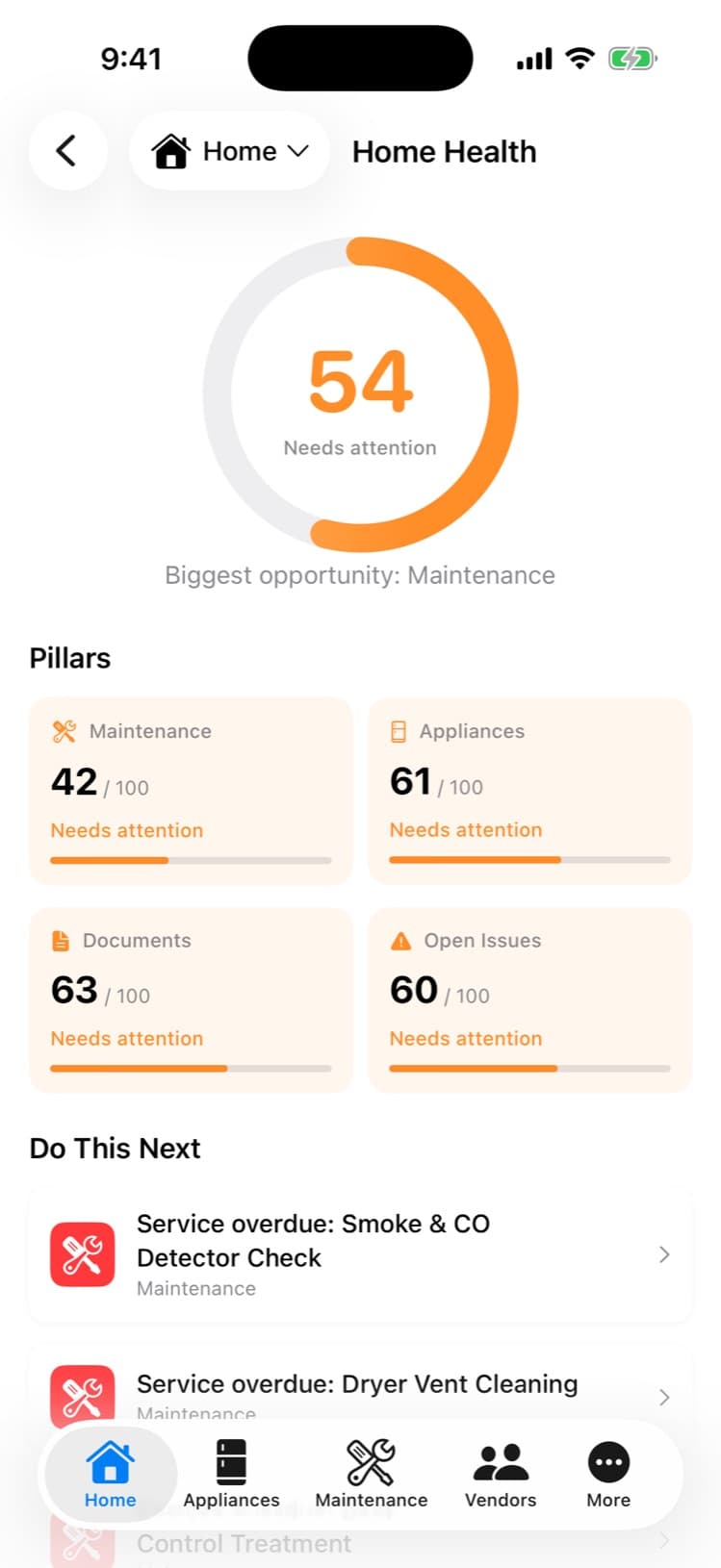
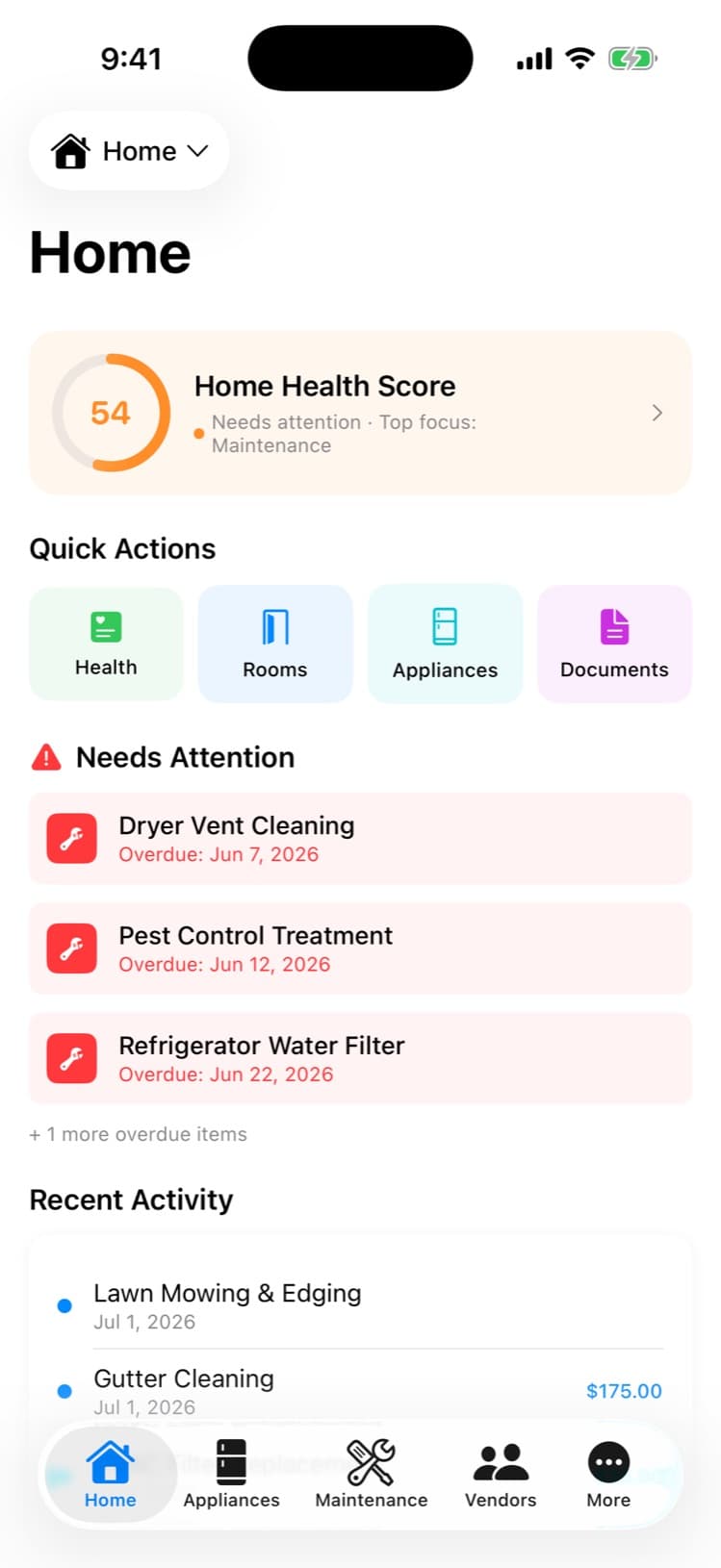
One number for the whole house.
The Home Health Score rolls your maintenance, records, and documents into a single gauge with four pillars — so "how’s the house doing?" finally has an answer.
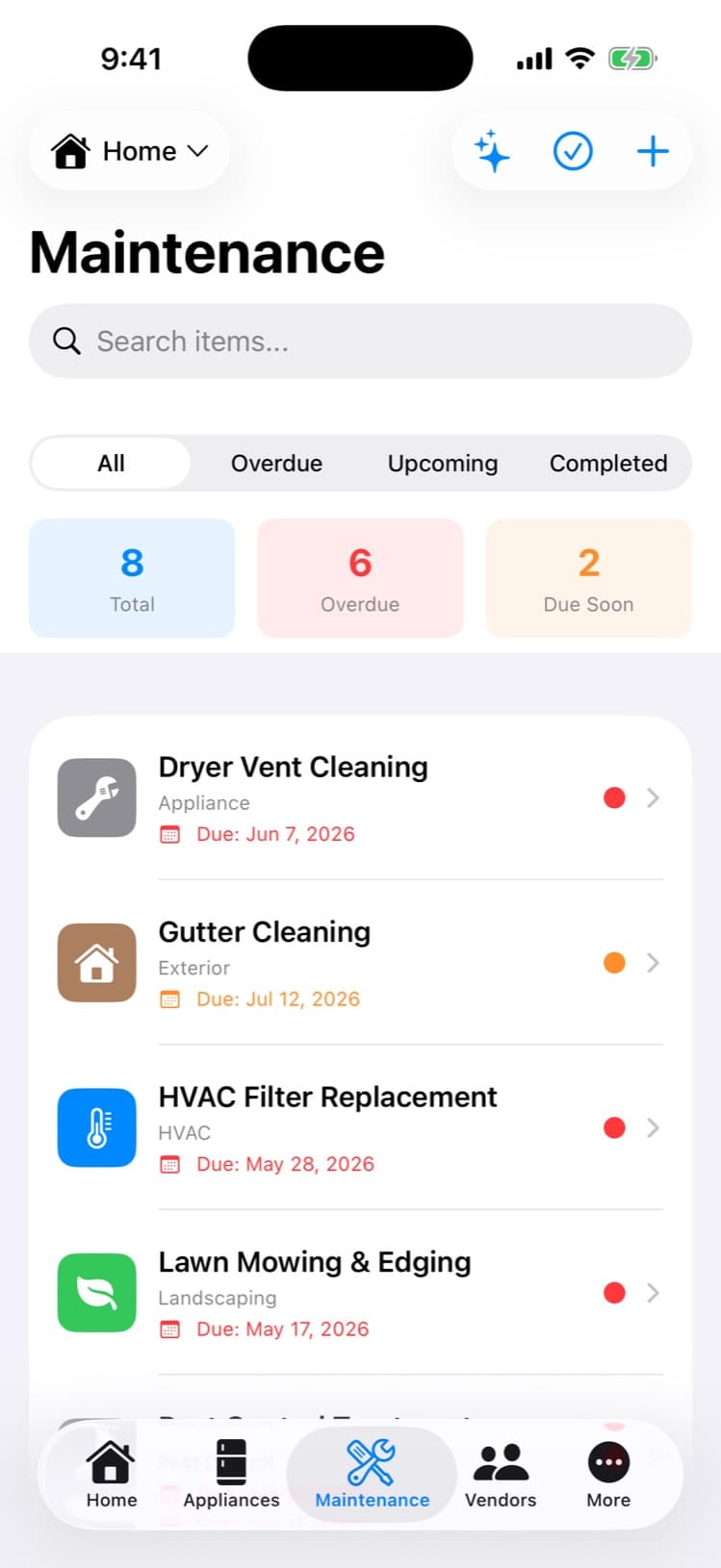
Never miss a filter, gutter, or water heater.AI
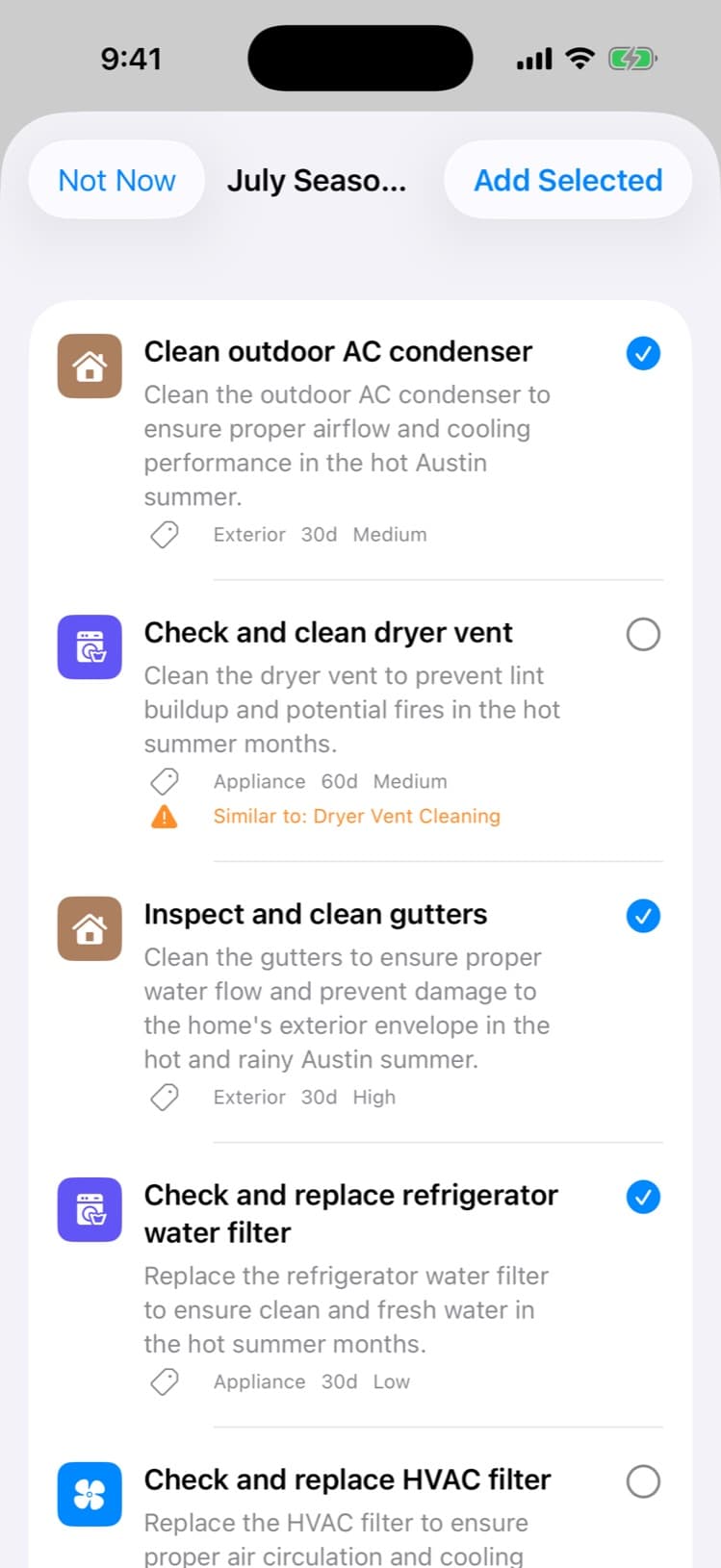
Reminders arrive before things break — on the right interval for each item. Quick Setup adds a full maintenance plan in one pass, and the seasonal AI coach builds a month-by-month list for your city and skips what you already track.
Ask the manual. Get the answer.AI
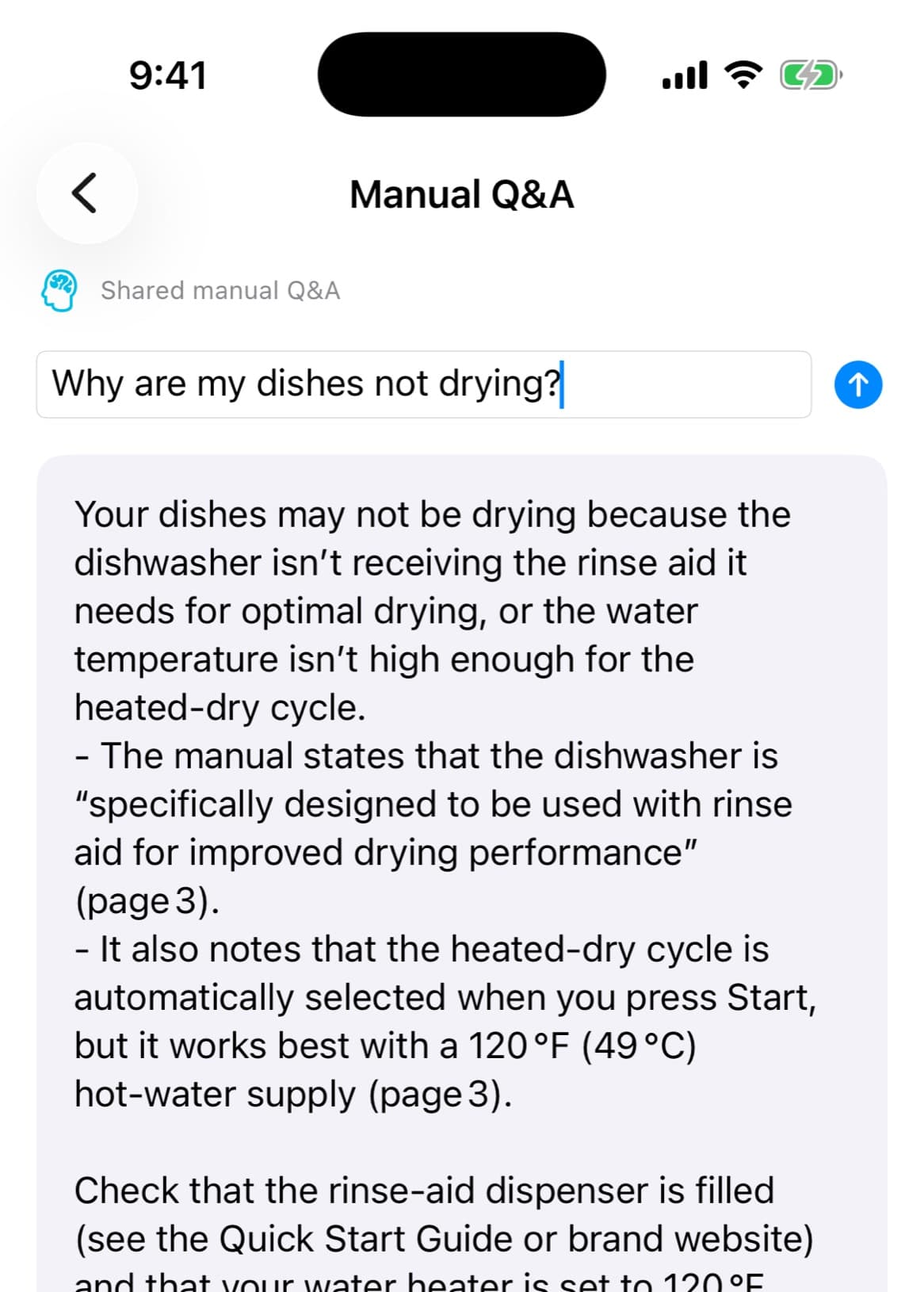
"Why are my dishes not drying?" HomeWell reads the actual owner’s manual and answers with page citations. If the answer isn’t in the manual, it says so — it won’t make something up.
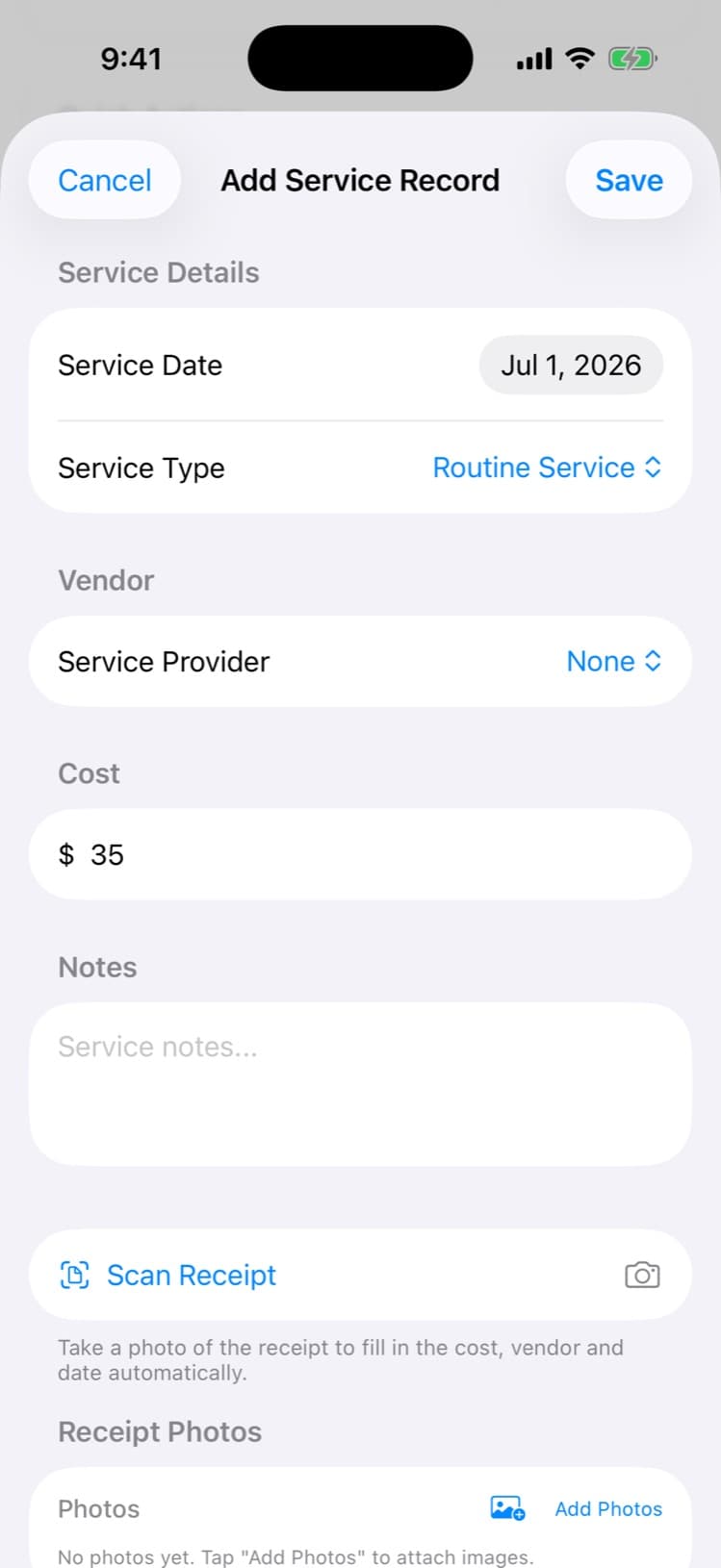
Snap the receipt. The record logs itself.
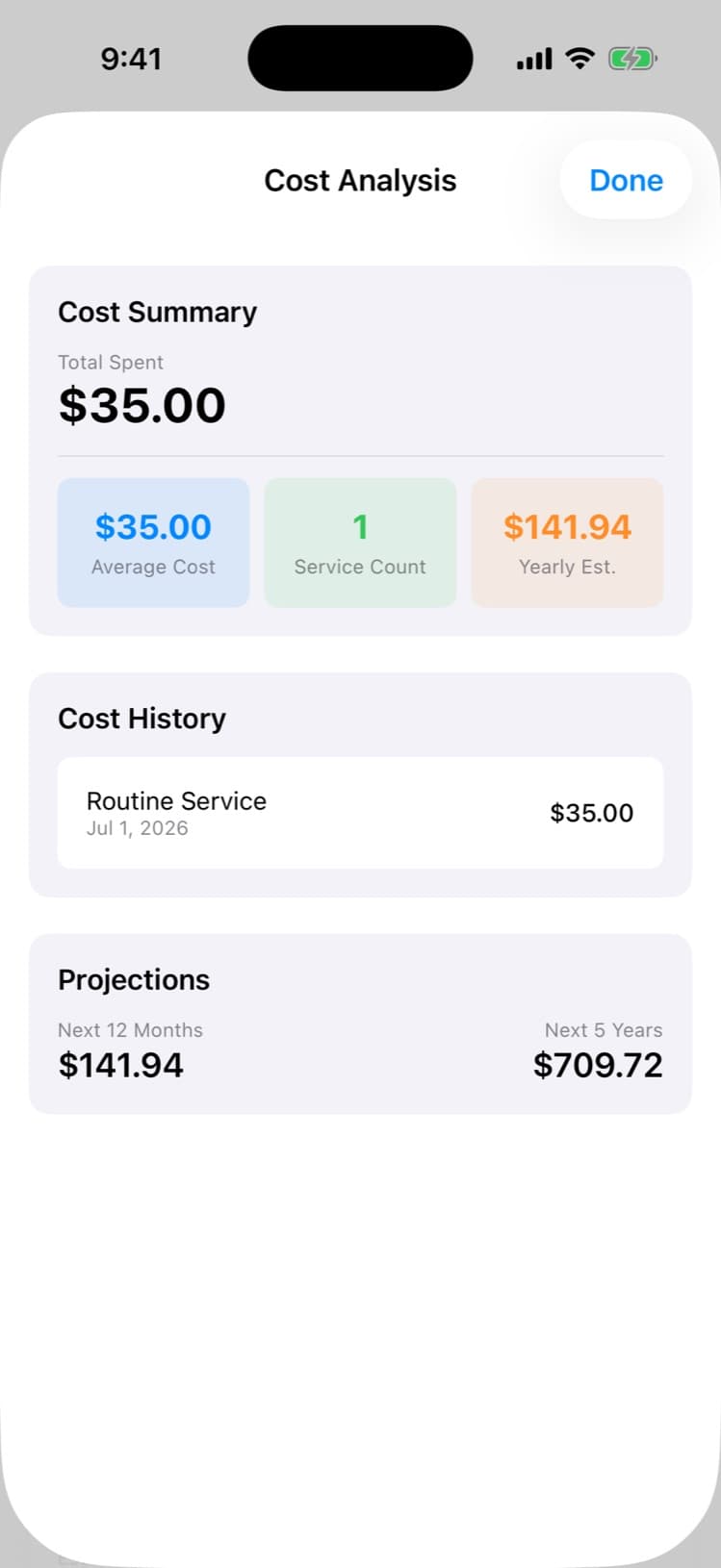
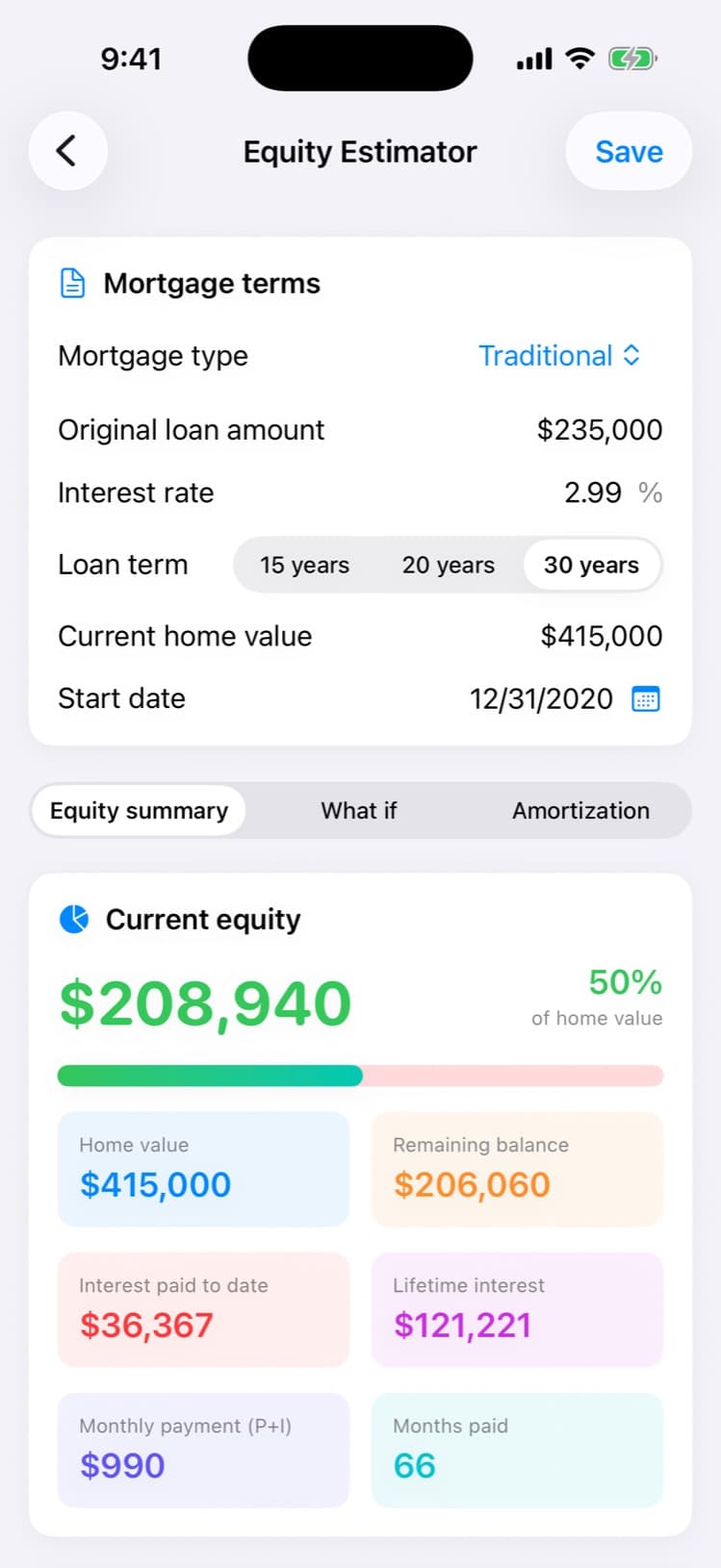
When the work’s done, photograph the receipt — vendor, date, and cost fill in automatically, and the maintenance item flips to done. Cost analysis shows what your home actually costs, with yearly and five-year projections.
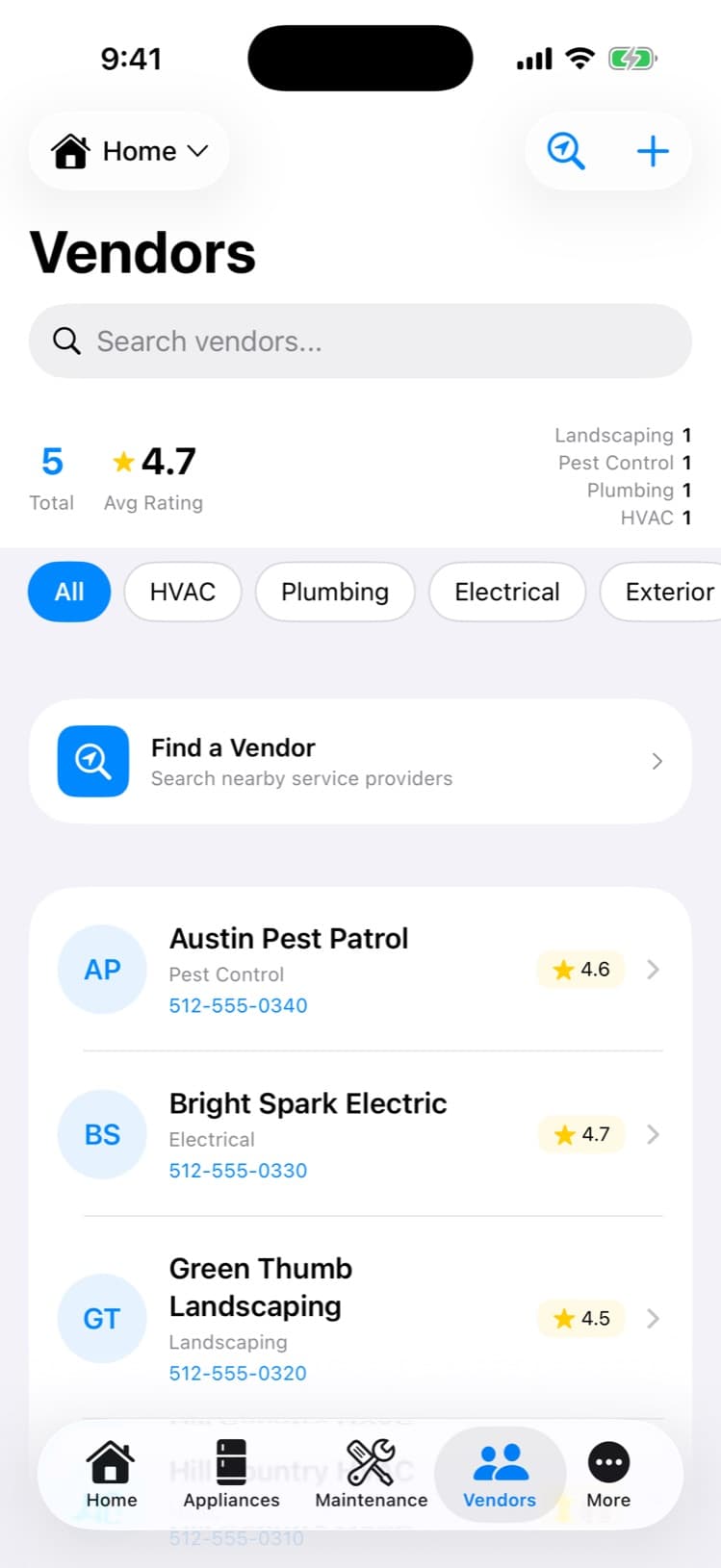
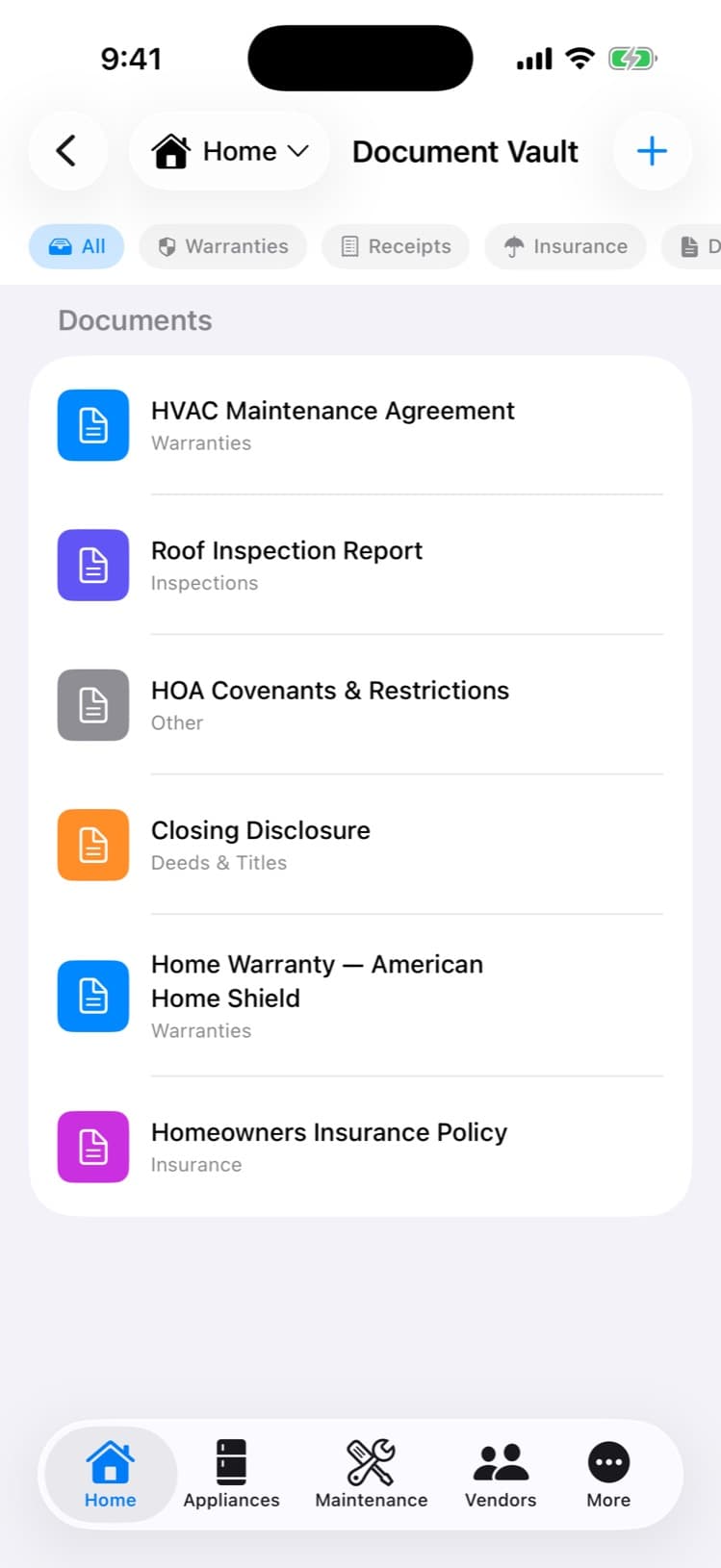
The vendor who came before. Every document.
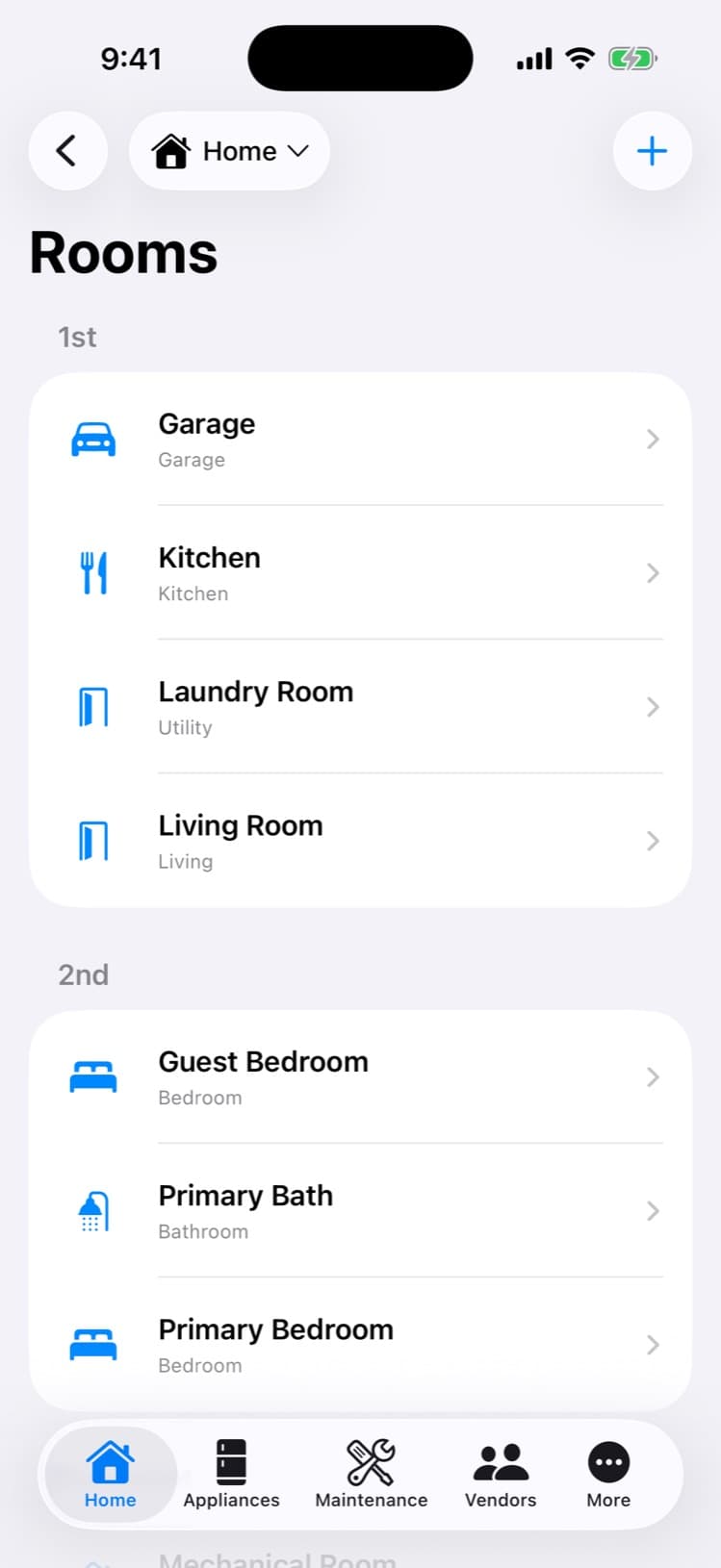
The plumber who fixed it last time, one tap away — with your history and ratings. Deeds, insurance, permits, warranties, and inspections live in the vault, not the drawer. Rooms remember their finishes and paint colors.
And more
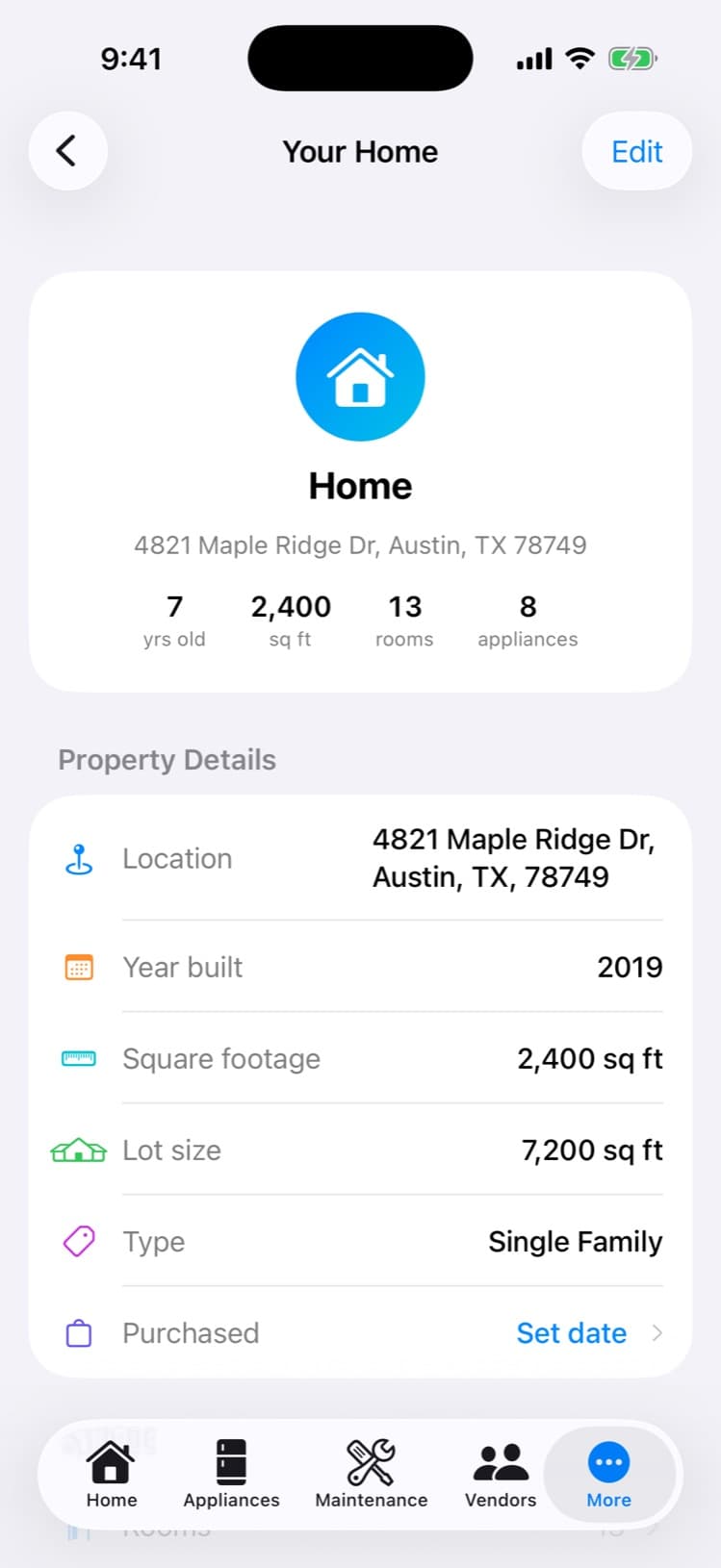
The rest of the house, covered.
Pricing
Free for your first home.
Free
$0
- One property, fully covered
- Appliance records with nameplate scan
- Maintenance log and reminders
- Home Health Score
- Up to 25 documents, 5 appliance photos
- Vendors, rooms, and costs
Download free


Homeowner Pro
$6.99/month
- Everything in Free, plus:
- Unlimited properties
- Unlimited documents and appliance photos
- Maintenance and ownership history
- Vendor recommendations
- Priority email support
Web Pro is $6.99/month or $44.99/year. In-app prices are shown in the App Store or Google Play. Full membership details at Memberships.
Every home has a history. Keep yours.
From a breakdown to a renovation to the day you sell — records, maintenance, costs, documents, and vendors in one calm place.
Screenshots are unretouched captures of the shipping app on a demo home. Scans include a review-and-confirm step.